Are you struggling to ensure seamless communication between the various components of your automation systems? For professionals in electronics, manufacturing, and automation, inefficient module interfaces can lead to costly system failures and delays.
In many industries, poor module interface design results in performance issues, increased downtime, and integration challenges. As systems grow more complex, having reliable interfaces becomes essential for smooth operations.
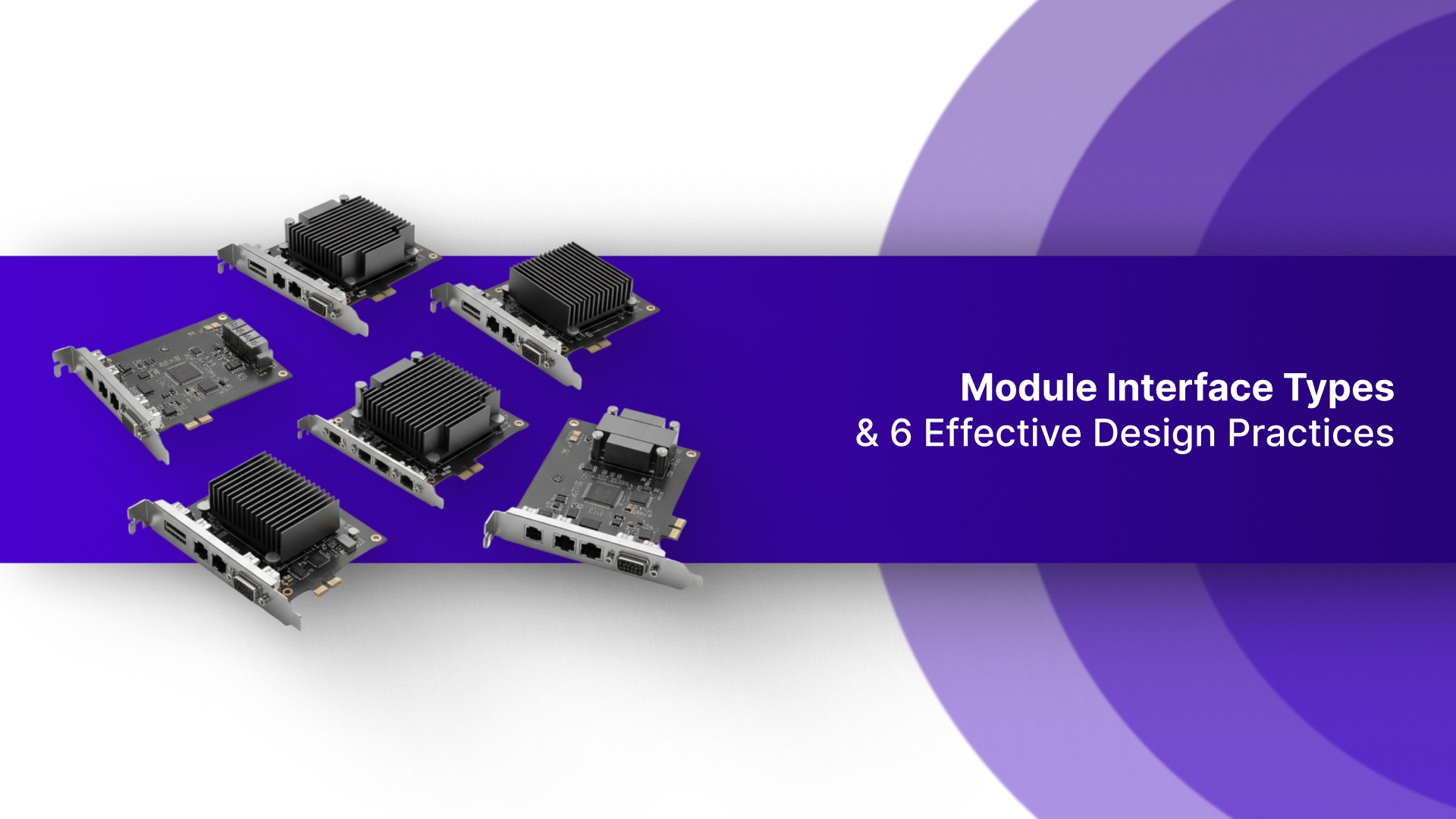
Module interfaces are the foundation of any automation system, enabling components to work together effectively. In this guide, you'll explore the types of module interfaces and share 6 design practices to optimize your projects.
Key Takeaways
Module interfaces are essential for seamless communication between systems, ensuring smooth data transfer and optimal performance.
There are five primary types: Analog, Digital, Serial, Parallel, and Wireless, each serving unique use cases.
Key design practices include ensuring compatibility, reducing signal loss, and enabling scalability for future upgrades.
When selecting an interface, consider data speed, distance, and power efficiency to match system requirements.
By following best practices, you ensure reliable integration, long-term efficiency, and easy expansion as your system grows.
What is a Module Interface?
A module interface is a connection point that allows different systems or components to communicate and exchange data. It enables seamless integration between hardware or software modules, ensuring smooth interaction within complex systems.
Module interfaces can vary in design, depending on the application and the type of communication required, such as analog, digital, or wireless signals.
Understanding the types of module interfaces available is essential for choosing the right solution for your system's needs.
Types of Module Interfaces
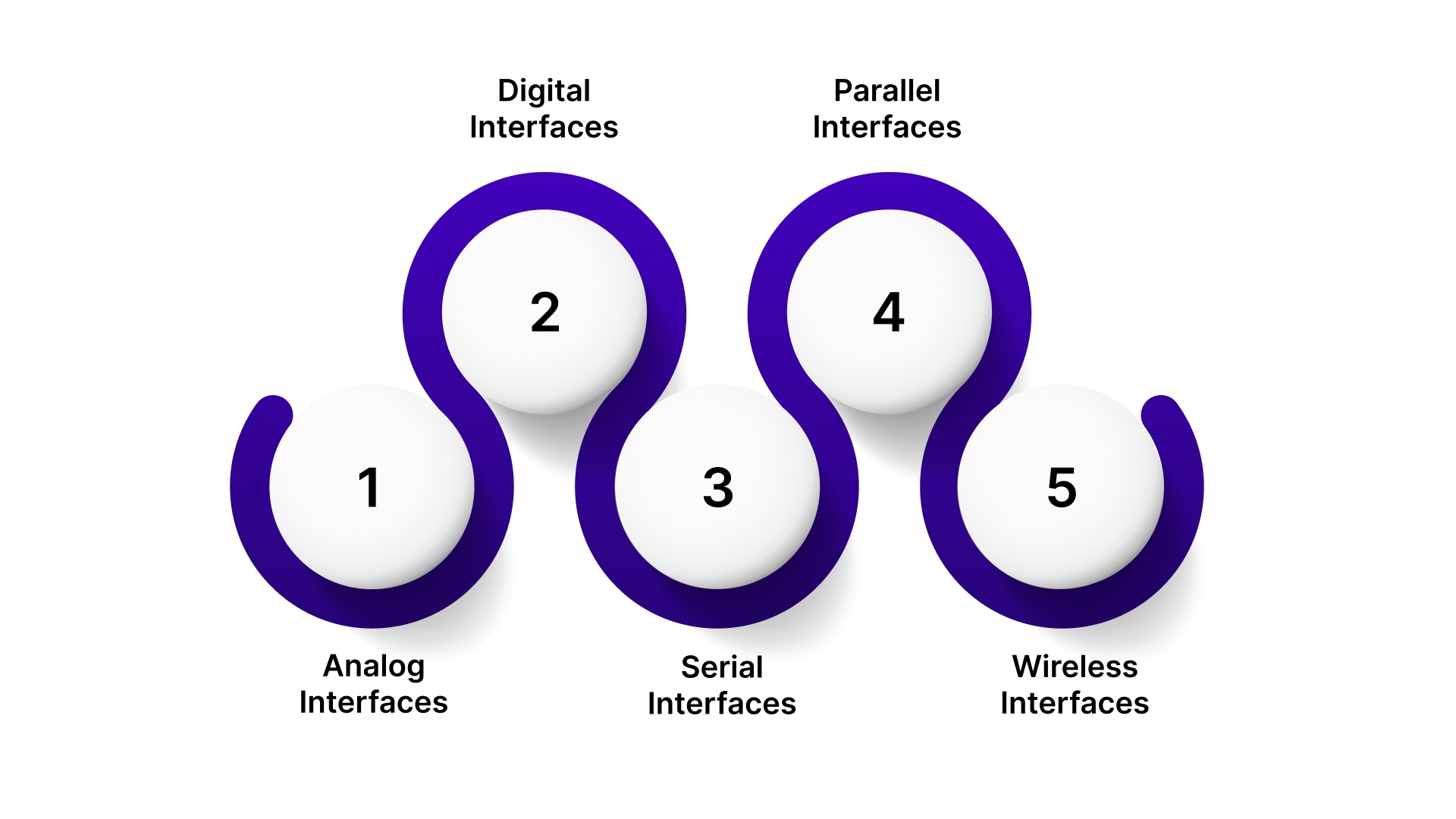
There are several types of module interfaces, each suited to specific applications and communication needs. Understanding these types helps in selecting the right interface for your system's requirements.
Let's look into the most common module interface types used across industries:
Analog Interfaces
Analog interfaces transmit continuous signals, typically in the form of voltage or current, to represent real-world variables like temperature, pressure, or speed. These interfaces are commonly used in industrial control systems, sensor-based applications, and signal processing, where precise, real-time measurements are critical.
Unlike digital interfaces, analog signals can vary smoothly, making them ideal for applications requiring high fidelity and continuous data transfer.
Digital Interfaces
Digital interfaces use discrete signals, typically represented by binary values (0s and 1s), to transmit data between systems. They are widely used in modern electronics and automation, such as USB, Ethernet, and I2C, due to their ability to provide fast, reliable communication over short and long distances.
Digital signals are less prone to noise compared to analog signals, making them ideal for precise and consistent data transfer in high-speed applications.
Serial Interfaces
Serial interfaces transmit data one bit at a time, over a single communication channel. They are often used in industrial machinery and remote control systems, where long-distance communication is required. Common protocols include RS-232, RS-485, and UART.
Serial interfaces are favored for their simplicity and ability to support long-distance communication without requiring multiple lines for data transfer.
Parallel Interfaces
Parallel interfaces send multiple bits of data simultaneously over multiple channels, making them faster than serial interfaces for short-range communication.
These interfaces are commonly used in applications such as memory modules and older printer ports.
However, they require more physical connections and are typically used for high-speed, internal communication within a device or system, where data volume is high, but distance is short.
Wireless Interfaces
Wireless interfaces allow devices to communicate without physical connections, offering flexibility and mobility in applications like IoT and smart home systems.
Common protocols such as Wi-Fi and Bluetooth enable short to medium-range communication, facilitating seamless data transmission between devices.
These interfaces are essential for creating connected, mobile systems that do not rely on wired connections.
Understanding how these interfaces are used in real-world scenarios helps highlight their practical benefits.
Real-World Applications of Module Interfaces
Module interfaces are essential in a variety of industries, ensuring seamless communication and data transfer between systems. Their applications range from industrial automation to consumer electronics, where they optimize performance and reliability.
Here's a breakdown of real-world applications where module interfaces play a crucial role:
Interface Type | Industry | Application |
Serial | Industrial Automation | RS-232 for controlling machinery in manufacturing plants, RS-485 for long-distance communication in SCADA systems. |
Digital | Consumer Electronics & Embedded Systems | USB for connecting peripherals like keyboards, printers, and external drives; I2C for communication between sensors and microcontrollers in embedded systems. |
Wireless | Automotive | Wi-Fi for in-car infotainment systems, Bluetooth for hands-free communication, and Zigbee for wireless vehicle-to-vehicle communication in smart cars. |
Analog | Healthcare | Analog interfaces for continuous monitoring in medical devices, such as heart rate sensors, ECG machines, and temperature sensors used in hospitals. |
Parallel | Embedded Systems | Parallel interfaces used in legacy printer ports and memory modules for high-speed data transfer in research labs or industrial machines. |
Looking for reliable, high-performance interfaces?
Pico Systems offers specialized solutions like Analog Servo Interfaces, PWM Servo Systems, and Stepper Controllers. Their products ensure seamless communication and integration, simplifying system design for industrial and automation applications.
These applications underline the importance of selecting the right interface for optimal system performance, paving the way for effective design practices.
6 Best Practices for Module Interface Design
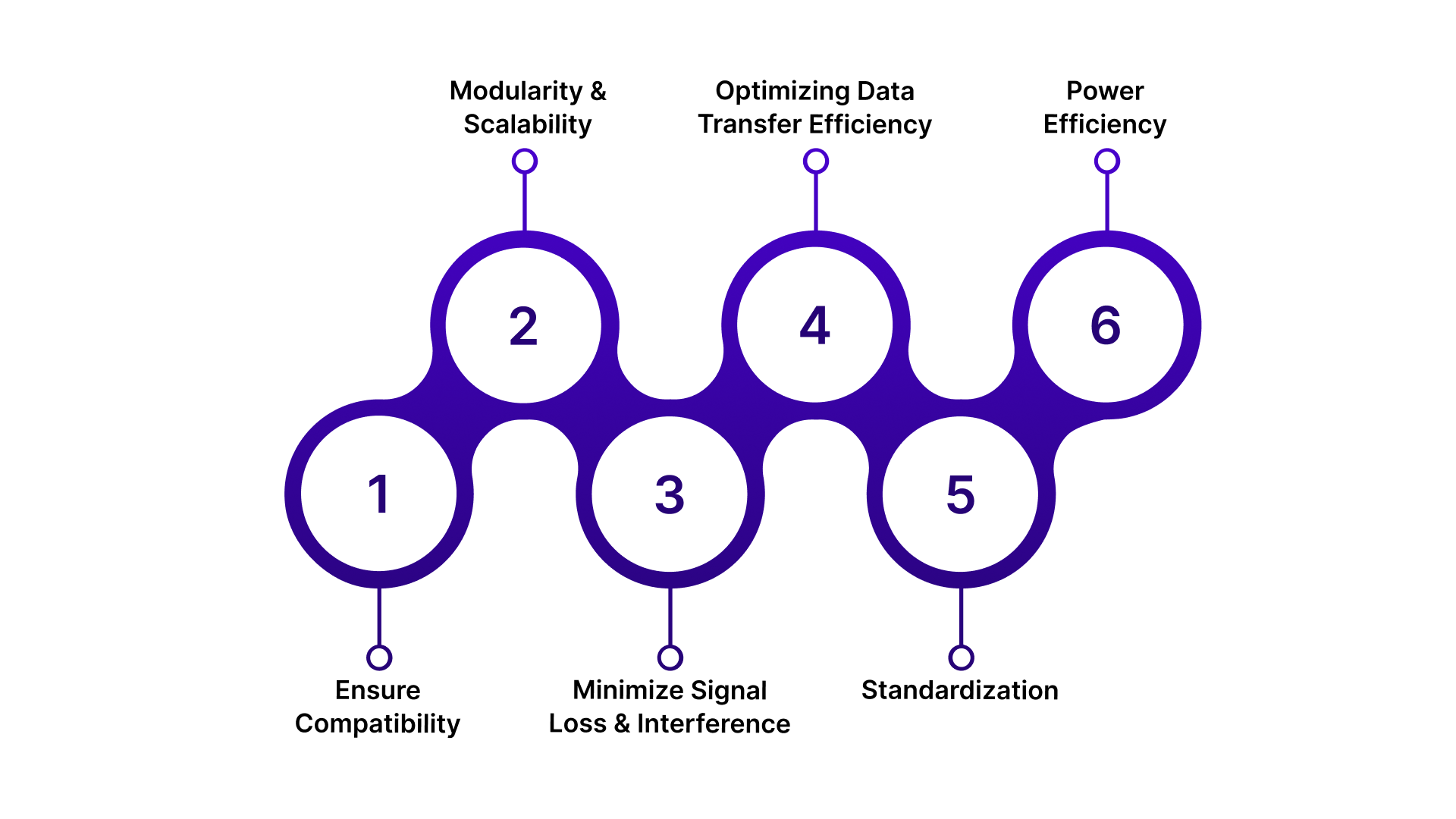
Designing module interfaces with precision ensures smooth communication and system reliability.
Implementing these best practices will help optimize your system and ensure long-term efficiency in module integration.
Ensure Compatibility
Ensure module interfaces are compatible with the hardware, software, and protocols within your system to avoid integration issues. This ensures smooth communication and reduces future compatibility challenges.
Use industry-standard protocols (e.g., USB, I2C, RS-485) for better integration across different platforms.
Check cross-platform compatibility to ensure seamless communication between various operating systems and devices.
Implement version control for interfaces to maintain compatibility with legacy systems while supporting future upgrades.
Test on multiple devices to ensure the interface functions properly across different configurations and use cases.
Modularity and Scalability
Design interfaces that can easily accommodate system growth and modification without requiring a complete redesign.
Use modular connectors like I/O expansion boards to add or remove components without disrupting the system.
Design with flexible ports to support varying data rates and different signal types as the system evolves.
Incorporate easy-to-extend protocols (e.g., USB-C, Ethernet) that can handle additional devices as your system grows.
Allow for software scalability by building interfaces that support remote firmware updates or system adjustments.
Minimize Signal Loss and Interference
Signal degradation can lead to system errors and reduce reliability. Proper design helps ensure clean, stable communication across interfaces.
Use shielded cables and grounding techniques to reduce electromagnetic interference (EMI) in sensitive environments.
Select high-quality connectors with gold-plated pins for better signal integrity.
Keep signal paths as short as possible to reduce potential sources of noise and interference.
Use differential signaling (e.g., RS-485) for long-distance communication to maintain signal integrity.
Optimizing Data Transfer Speed and Efficiency
Efficient data transfer ensures your system operates at optimal speeds without compromising reliability. This is critical for high-performance applications.
Choose high-speed protocols like USB 3.0 or Ethernet for data-intensive tasks.
Use data compression techniques to minimize latency and speed up data transfer rates.
Optimize communication protocols (e.g., SPI, I2C) to reduce overhead and ensure quicker data exchange.
Design interfaces with buffering capabilities to handle peak data loads without slowing down performance.
Standardization
Standardizing interfaces simplifies integration, promotes interoperability, and ensures ease of future updates.
Adopt widely accepted standards like I2C, SPI, and USB to ensure seamless integration across different devices and industries.
Follow protocol guidelines to maintain consistent design practices that are easily understood by engineers and developers.
Utilize modular design systems that align with global industry standards to promote long-term scalability and integration.
Stay updated with standards to ensure compliance with growing technology regulations and avoid obsolete interfaces.
Power Efficiency
Designing interfaces with power efficiency in mind is critical, especially for battery-operated systems.
Choose low-power protocols like Bluetooth Low Energy (BLE) or Low Power I2C for energy-sensitive applications.
Implement power gating for interfaces when they are not in use to save energy.
Optimize voltage levels to ensure that interfaces only draw the required amount of power during operation.
Use energy-efficient components like power-saving chips and low-power transistors to reduce overall power consumption.
Understanding these key design principles sets the foundation for integrating high-quality interface solutions that simplify your system's complexity.
How Pico Systems Simplifies Module Interface Design and Integration?
Pico Systems provides high-performance motion control and interface hardware, including Servo Interfaces, PWM Systems, and Stepper Controllers. Their products are designed to optimize integration in industrial and automation systems. With reliable, scalable solutions, Pico Systems ensures seamless communication across your projects.
By offering precision hardware personalized to your specific needs, Pico Systems helps streamline design and reduce integration complexity.
Contact Pico Systems today to explore custom solutions for your interface design needs.
Wrapping Up
Effective module interface design is key to ensuring smooth communication and reliable system performance. By understanding the types of interfaces and following best practices, you can optimize your system for efficiency and scalability.
Pico Systems offers personalized solutions to simplify this process and meet your integration needs.
Want to improve your system's performance? Get in touch with Pico Systems today!
FAQs
What factors should I consider when choosing a module interface?
Consider data transfer speed, compatibility with existing systems, and power consumption. These factors ensure optimal performance for your specific application.
Can I use wireless interfaces in industrial automation systems?
Yes, wireless interfaces like Wi-Fi and Bluetooth can be used, but they may require additional measures for reliability in noisy industrial environments.
What is the difference between analog and digital module interfaces?
Analog interfaces transmit continuous signals, while digital interfaces use binary signals. Analog is ideal for real-time data, and digital is used for fast, reliable communication.
Are serial interfaces still relevant for modern systems?
Yes, serial interfaces like RS-232 and RS-485 are still used for long-distance communication in industrial applications where speed is less critical.
How do I ensure power efficiency in module interface design?
To ensure power efficiency, use low-power protocols and components, and implement power gating when interfaces are idle to reduce energy consumption.